KB5124010 crashes old games: how to check and uninstall it
KB5124010 can crash older games and apps that use Windows' Dolby Digital decoder on 24H2, 25H2 and 26H2. How to confirm it's the cause and remove it for now.
Source-based. Written from the documents, reporting and reviews linked in the text. Nothing here was tested hands-on by The Ruling Desk. How we work
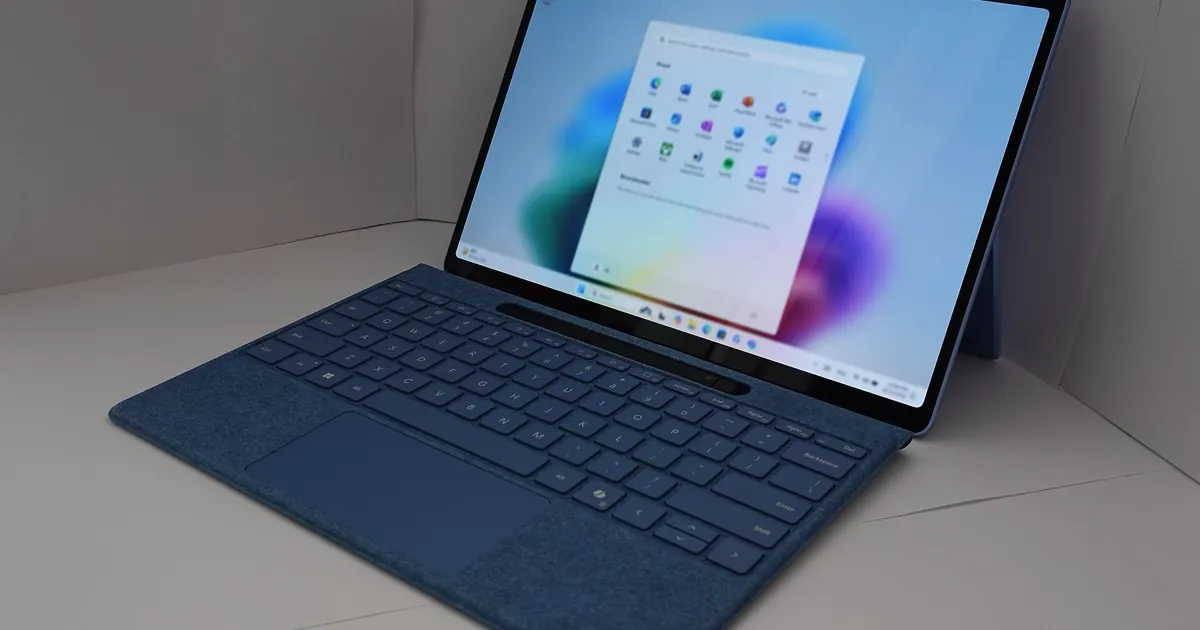
If an older game or app started crashing on your Windows 11 PC in late September, the optional KB5124010 update is a likely suspect. Microsoft has confirmed that the update can make programs that rely on Windows' built-in AC-3 (Dolby Digital) audio decoder close without warning, on versions 24H2, 25H2 and 26H2, and it has no fix date yet. This guide shows how to check whether you have the update, how to tell whether your crash is this bug, and how to uninstall KB5124010 and pause updates until the fix ships.
Key takeaways
- KB5124010 is the September 22, 2026 optional preview update for Windows 11 24H2, 25H2 and 26H2 (builds 26100.9550, 26200.9550 and 26300.9550).
- Microsoft lists the AC-3 crash as a confirmed known issue, opened and last updated on October 2. It says a fix will come "in a future Windows update", with no date.
- Players on Reddit and in forums have reported crashes in older games such as Fallout: New Vegas and Oblivion. Microsoft hasn't named any specific game.
- Microsoft offers no workaround. Uninstalling the update is the only reliable way back for now, and pausing updates keeps it from returning, at the cost of missing security fixes while paused.
What the KB5124010 bug does
Microsoft's Windows 11 release health page says that after installing updates released on September 22, 2026 "and later", some applications that need to decode AC-3 audio "might close unexpectedly." AC-3 is the technical name for Dolby Digital, the surround sound format used on DVDs and in many older games.
How it shows up depends on what the program does, according to Microsoft:
- some apps fail to launch at all;
- some close without warning;
- others run normally until you use a specific feature, such as playing music.
Microsoft says affected programs "can include games, media players, and certain productivity applications." The entry's status is Confirmed, and the KB5124010 support page lists the same problem among its known issues, with Microsoft "developing a resolution."
Which Windows versions and apps are affected
The affected platforms, per Microsoft, are Windows 11 versions 24H2, 25H2 and 26H2. No Windows Server version is on the list, and neither is Windows 10.
Microsoft says the problem mostly hits legacy applications that still use Windows' own audio decoding. Many modern apps never touch this component, and many that do use AC-3 ship their own decoder, so they shouldn't crash.
Microsoft hasn't named any affected program, but players have. GinjFo, a French tech site, collected Reddit reports on September 25 of crashes in three older PC games:
| Game | What the reports said |
|---|---|
| Fallout: New Vegas | Crash logs pointed to msmpeg2ac3dec.dll, a Windows audio decoder |
| The Elder Scrolls IV: Oblivion | Same decoder file named in the logs |
| SimCity 4 | Logs pointed to ddraw.dll from dgVoodoo, a graphics wrapper many players use to run old games |
Treat the SimCity 4 reports with care: the file in those logs belongs to a graphics wrapper, not the audio decoder, so they may not be this bug. GinjFo later added Panzer Corps to the list, based on a thread on the publisher's forum.
It isn't only games. A reader of German Windows blogger Günter Born reported on October 3 that his company's innovaphone myApps telephony client crashed too, and traced the crashes to the same msmpeg2ac3dec.dll, which Born describes as the "Microsoft MPEG-1/DD Audio Decoder." Microsoft's entry doesn't name that file, so linking it to the bug is the users' diagnosis, not Microsoft's.
Step 1: Check whether KB5124010 is installed
KB5124010 is an optional preview update, so many PCs don't have it. Check before you change anything:
- Open Start > Settings > Windows Update.
- Select Update history.
- Look under Quality updates for an entry that names KB5124010.
You can also check the build number: press Windows + R, type winver and press Enter. A build of 26100.9550, 26200.9550 or 26300.9550, or later, means the change is on your PC. If your build is lower and KB5124010 isn't listed, this isn't your bug.
Step 2: Confirm the crash matches this bug
A crash that started after September 22, in an older program, at launch or when audio starts playing, fits Microsoft's description. To look closer, Windows logs every app crash:
- Right-click Start and open Event Viewer.
- Go to Windows Logs > Application.
- Find the Error entry with the source Application Error at the time of the crash.
- Read the Faulting module name line.
If that line names msmpeg2ac3dec.dll, your crash matches what Reddit players and Born's reader reported. That's a strong sign, though not proof, since Microsoft hasn't confirmed the file. If it names something else, look at that program's own fixes before removing the update.
Step 3: Uninstall KB5124010
Microsoft offers no workaround, so removing the update is the way back to a working app. Microsoft's guide to uninstalling a Windows update gives these steps:
- Select Start > Settings > Windows Update.
- Under More options, select Update history.
- Under Related settings, select Uninstall updates.
- Find KB5124010 in the list and select Uninstall, then restart when asked.
If Windows won't start normally, the same guide describes removing the latest quality update from the Windows Recovery Environment: Troubleshoot > Advanced options > Uninstall Updates. Microsoft also notes that some updates can't be uninstalled; if KB5124010 has no Uninstall option on your PC, the only way left is to wait for the fix.
Uninstalling also removes everything else KB5124010 changed. Microsoft labels it a non-security update, so removing it doesn't take away a security release, but any fixes it brought go away until you install a later update.
Step 4: Pause updates so it doesn't come back
Once it's gone, keep Windows from reinstalling the problem. Microsoft's pause updates guide explains that you can pause from Start > Settings > Windows Update for up to 35 days from today, and extend the pause later. When the pause ends, Windows downloads and installs the latest updates on its own.
Two more settings matter here:
- Don't install it from Optional updates. KB5124010 sits in the optional list, so don't pick it again.
- Check the "Get the latest updates as soon as they're available" toggle on the Windows Update page. BleepingComputer notes that with this turned on, the preview installs automatically.
Pausing has a real cost: it also holds back security updates. Microsoft's wording covers updates released on September 22 "and later", so our reading is that the next monthly security update, due October 13, may carry the same change unless Microsoft fixes it first. Microsoft hasn't said what October's update will contain. If you pause, keep it short and check the release health page before you resume.
Step 5: Watch for the fix
Microsoft says it is working on a resolution "in a future Windows update" and will post more when it has it. The place to watch is the AC-3 entry on the release health page: when its status changes from Confirmed to Resolved, it will name the update that fixes it. Install that one, and you can resume updates normally.
If you're on Windows 11 24H2 Home or Pro, there's an extra wrinkle. Microsoft's release health page says those editions stop getting updates on October 13, 2026, so a fix released after that date would reach you only after moving to a newer version. Our Windows 11 26H2 guide explains how that upgrade works and who can take it now.
Troubleshooting
- No Uninstall button for KB5124010. Try the Windows Recovery Environment route in Step 3. If that fails too, the update can't be removed on your PC, and the only option left is to wait for Microsoft's fix.
- The game still crashes after uninstalling. Check Event Viewer again. If the faulting module isn't
msmpeg2ac3dec.dll, the crash has another cause, such as a mod or a wrapper like dgVoodoo. - Community workarounds. Players have shared game-specific fixes while they wait. GinjFo reports that some Oblivion players got the game running by turning off music and sound in its configuration file, and Born's reader says installing LAV Filters, an open source set of audio and video decoders, stopped the crashes for his company. These are third-party reports we haven't verified, and they aren't from Microsoft.
For more Windows coverage, see the software section.
Bottom line
If an older game or app crashes at launch or when its music starts, and your PC installed KB5124010, uninstall the update and pause Windows Update for a short while. If your PC never installed it, leave it out of your Optional updates. Microsoft has confirmed the AC-3 bug on 24H2, 25H2 and 26H2 but hasn't given a fix date, so check its release health page before October's security update, and before you resume updates.
FAQ
Should I uninstall KB5124010?
Only if something on your PC is crashing because of it. Microsoft says many modern apps never use the affected component, so if everything works, there's no reason to remove it. If an older game or app crashes and Event Viewer points at the audio decoder, uninstalling is the fix Microsoft's guidance leaves you.
Does KB5124010 affect Windows 10?
No. Microsoft lists only Windows 11 versions 24H2, 25H2 and 26H2 as affected platforms, and no Windows Server versions.
What is AC-3 audio?
AC-3 is the codec behind Dolby Digital surround sound, common on DVDs and in older PC games. Windows includes its own decoder for it, and that's the component older programs call when they play this kind of audio.
When will Microsoft fix the AC-3 crash?
Microsoft hasn't said. As of its October 2 update to the known issue, it says it is working on a resolution for a future Windows update and will share more when it can.