Xbox Disc to Digital: how to claim your games and the catch
Xbox Disc to Digital is live for everyone. How to claim a license from your discs, force it if it won't show, check your games, and what selling one does.
Source-based. Written from the documents, reporting and reviews linked in the text. Nothing here was tested hands-on by The Ruling Desk. How we work
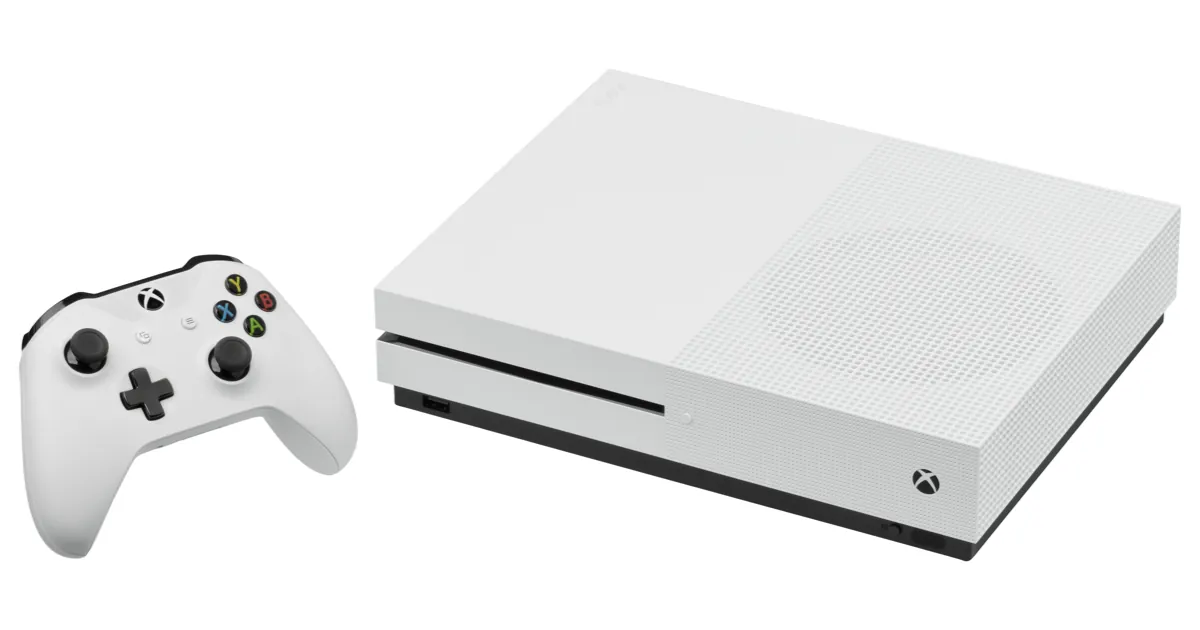
Xbox Disc to Digital lets you turn an eligible Xbox One or Xbox Series X game disc into a digital license on your Microsoft account, and since September 29, 2026 it works for every Xbox player, not just Insiders. You insert the disc, play it while signed in, and the game shows up in your library as a digital copy you can launch without the disc. Here's how to claim your games, how to force the feature if it doesn't appear, how to tell which discs are supported when Microsoft publishes no list, and the fine print on selling or lending a disc afterwards.
Key takeaways
- It's live for everyone as of September 29, 2026, after about a month of Insider testing. If you don't see it, restart your console.
- You need a console with a disc drive (Xbox One or Xbox Series X) and a supported Xbox One or Series X disc. Xbox 360 and original Xbox discs don't qualify, Microsoft says.
- The license stays tied to the disc. Microsoft says that if you sell, lose or give the disc away, access to its digital license "may be limited or revoked."
- Microsoft has published no list of supported games. Community databases count more than 1,500 working games; XCT.live's tally stood at 1,607 on September 30.
- Where a game supports them, the license also unlocks Xbox Play Anywhere on PC and handhelds, and Xbox Cloud Gaming.
What Xbox Disc to Digital is and when it arrived
Microsoft announced the feature in an Xbox Wire post on August 26, 2026 by Jason Ronald, VP of Next Generation. It framed the program as part of "our broader commitment to game preservation" and said "most XBOX One and XBOX Series X disc-based games" support it. Insiders started testing on August 31.
The wider rollout came on September 29. Xbox announced it on social media that day, as Windows Central reported, and Xbox engineer Eden Marie added that players may need to restart their consoles to get it, according to Pure Xbox. Pure Xbox thinks the feature shipped hidden in the September 22 system update and was switched on later, and, as far as it can tell, there's no new update to download.
Your disc keeps working as before. On its Disc to Digital support page, Microsoft says you can "continue to play the disc even after you've received your digital license."
What you need before you start
- A console with a disc drive. Microsoft's support page says "any XBOX console with an optical disc drive" can claim a license from a supported Xbox One or Series X disc. The Xbox Series S has no drive, so it can't claim anything itself, as Engadget points out.
- A supported disc. Only Xbox One and Xbox Series X discs, and not all of them. Microsoft says eligibility "varies due to technical, licensing, publishing, manufacturing, and other factors" and may change over time.
- Your account, signed in. The license lands on whichever account is signed in when you play the disc.
- Any peripherals the game needs. Microsoft says a digital license doesn't change a game's peripheral requirements.
Step 1: Insert the disc and play it once
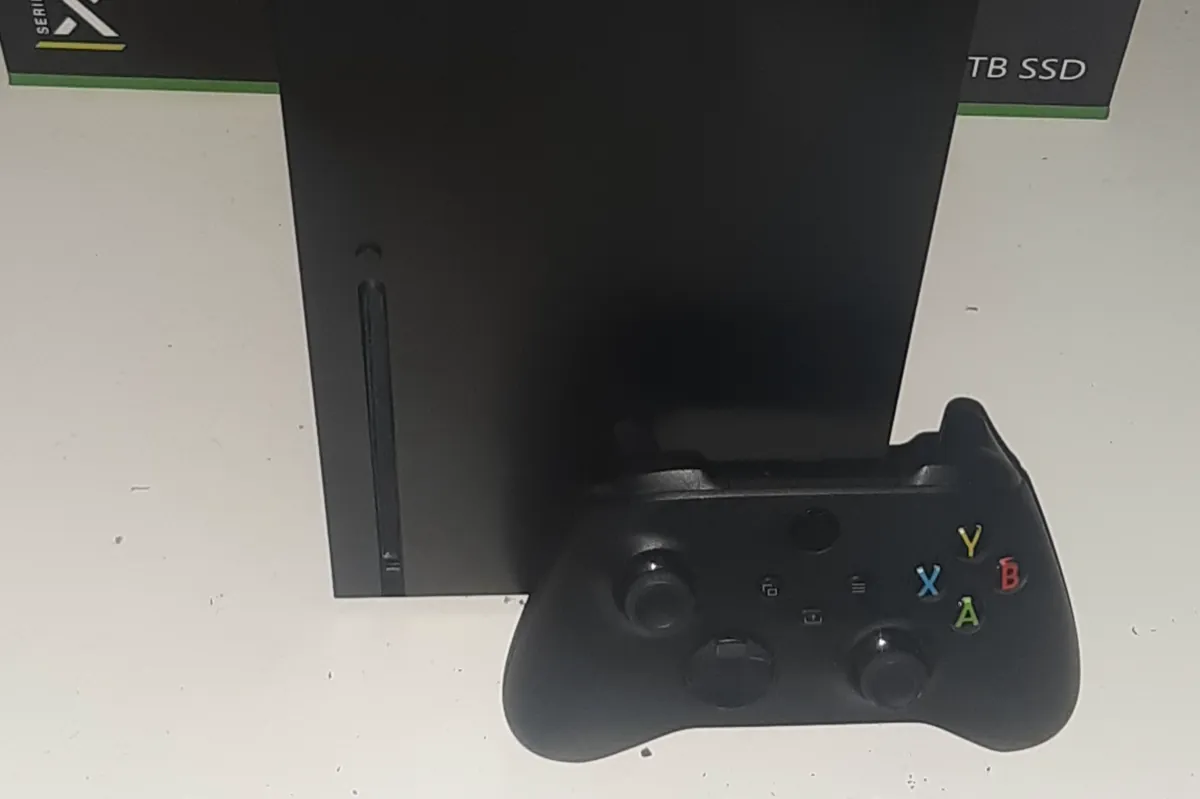
Sign in, insert the disc and launch the game. According to Microsoft, playing a supported disc while signed in "will grant you a digital license of that game," and a confirmation appears when it does. If no confirmation shows up, Microsoft says either the disc isn't supported or you already claimed it.
The experience changed during testing. Windows Central noted that the license is now granted automatically when you insert a disc instead of requiring a menu step, with a full-screen explanation only the first time and a small notification after that.
Step 2: Find your claimed games in your library
Microsoft's steps to see what you've claimed:
- Press the Xbox button and go to My games & apps > See all.
- Go to Full library > All games.
- Look for the Disc to Digital badge on each game you claimed through a disc.
From there you can install and play the game without the disc in the drive.
Step 3: Claim a stack of discs faster
With autoplay on, each disc starts installing as soon as you insert it, which slows you down if you're working through a shelf. Microsoft suggests turning autoplay off first:
- Press the Xbox button and go to Profile & system > Settings.
- Go to Devices & connections > Disc and uncheck Play disc automatically.
- Insert a disc, return to Home, highlight the game's box art and press the Menu button.
- Select Get digital license, then Claim, and wait for the notification.
- Eject the disc and repeat with the next one. Turn autoplay back on when you're done, if you like.
The same Menu option is your manual fallback for a single disc that doesn't trigger on its own.
Step 4: Play on PC, handhelds or the cloud
If a claimed game is an Xbox Play Anywhere title, Microsoft says the license also lets you play it on PC and handhelds: open the Xbox app, go to My Library and look for the Disc to Digital badge. Xbox Cloud Gaming is included "where supported," per the Xbox Wire announcement, so it depends on the game.
How to tell whether your games are supported
Microsoft doesn't publish a list of games that work with Xbox Disc to Digital, which Pure Xbox noted on launch day. The quickest test is still the disc itself: insert it and try the manual claim above, since the message tells you why a disc fails (see Troubleshooting).
Before you dig out your collection, two community lists help:
- XCT.live's Disc to Digital database logs results reported by members who put the disc in a console, with photo proof reviewed before an entry appears. As of September 30, 2026, it tracked 1,861 games: 1,607 that convert, 231 that don't and 23 unconfirmed. It lists regional prints and special editions separately, because the same game can behave differently between them.
- Insider Gaming's games list is a work-in-progress list that credits XCT.live and other sources.
Those counts move daily. Pure Xbox cited 1,568 working games on XCT.live on September 29, and Windows Central cited 1,578 the next day. Treat any figure as a snapshot, not an official number.
Publisher support explains most of the gaps. Ubisoft joined a few weeks before the public launch and SEGA joined on September 29, Pure Xbox reports. Windows Central lists Bandai Namco and Square Enix as publishers not participating, and the Bandai Namco entries we looked at on XCT.live are marked as not converting. Windows Central also found that some delisted games, such as Deadpool and Minecraft: Story Mode, grant a license from the disc, which makes the program a way back to games you can no longer buy digitally.
What happens if you sell or lend the disc
This is the catch. Microsoft's support page says a Disc to Digital license "is associated with the qualifying game disc," and that if you "lose, sell, give away, or otherwise no longer possess a qualifying disc, access to associated disc to digital licenses may be limited or revoked." The fine print on Microsoft's announcement image calls it "one revocable digital license per game disc."
In practice, Windows Central explains that if you sell or lend a disc and the new holder installs it, they claim the license and yours is revoked until you get the disc back or buy the game again. Microsoft's own wording stops at "may be limited or revoked," so don't count on keeping a copy of a game you no longer have on disc.
To see which licenses you've lost, Microsoft points to Settings > General > Personalization > Games & apps, then View games you no longer have access to through disc to digital licensing. To get one back, reinsert the disc and claim it again, or buy the game digitally.
A few more rules from the same page:
- Multi-disc games: use disc one. The other discs can't claim a license.
- Add-ons: content installed from the disc, such as an Ultimate Edition's extras, may be included. Codes printed on a slip in the case are not covered.
- Xbox 360 and original Xbox discs: not supported.
Troubleshooting
- The feature doesn't appear at all. Restart the console. Pure Xbox's route is Settings > General > Power options > Restart now.
- No confirmation after you play the disc. Check that you're signed in, then run the manual claim from the Menu button to see the error, Microsoft advises.
- "This disc doesn't support a digital license." That specific disc can't be claimed. Microsoft lists reasons such as a damaged disc, content that's no longer available, or technical limits tied to when and where the disc was made.
- "We couldn't give you a digital license." Microsoft can't grant it right now and suggests trying again later.
- "Disc license unavailable." The game isn't taking part in the program.
- "Digital license unavailable" when you launch a claimed game. Microsoft says to confirm you still have the disc and reinsert it to claim the license again.
Bottom line
If you own a shelf of Xbox One or Series X discs and a console with a drive, Xbox Disc to Digital costs nothing to use: restart the console, play each disc once, and check your library for the badge. Just treat the digital copy as a companion to the disc, not a replacement, because Microsoft ties the license to whoever holds the disc. Keep an eye on the community lists for publishers like Square Enix and Bandai Namco, and on our video games coverage for more Xbox changes, including Mythic Achievements for Xbox Insiders.
FAQ
Does Xbox Disc to Digital work on Xbox Series S?
Not on its own. Claiming a license needs a console with a disc drive, which the Series S lacks. Microsoft's support page doesn't say whether a license claimed on another console can then be played on a Series S, so check your library there before you rely on it.
Can I keep the digital copy if I sell the disc?
Don't count on it. Microsoft says access to the license "may be limited or revoked" once you no longer have the disc, and Windows Central reports that the license moves to whoever installs the disc next.
Is there an official list of supported games?
No. As of September 30, 2026, Microsoft hasn't published one. Community databases such as XCT.live and Insider Gaming's list track which discs work, based on player reports.
Do Xbox 360 discs work with Disc to Digital?
No. Microsoft says original Xbox and Xbox 360 discs aren't supported. Only eligible Xbox One and Xbox Series X discs qualify.