CoreGraphics zero-day: who needs iOS 26.7.1 and who doesn't
Apple fixed a CoreGraphics zero-day used against targeted people. Who needs iOS 26.7.1 or the Mac fixes, where iOS 27 stands, and how to check your version.
Source-based. Written from the documents, reporting and reviews linked in the text. Nothing here was tested hands-on by The Ruling Desk. How we work
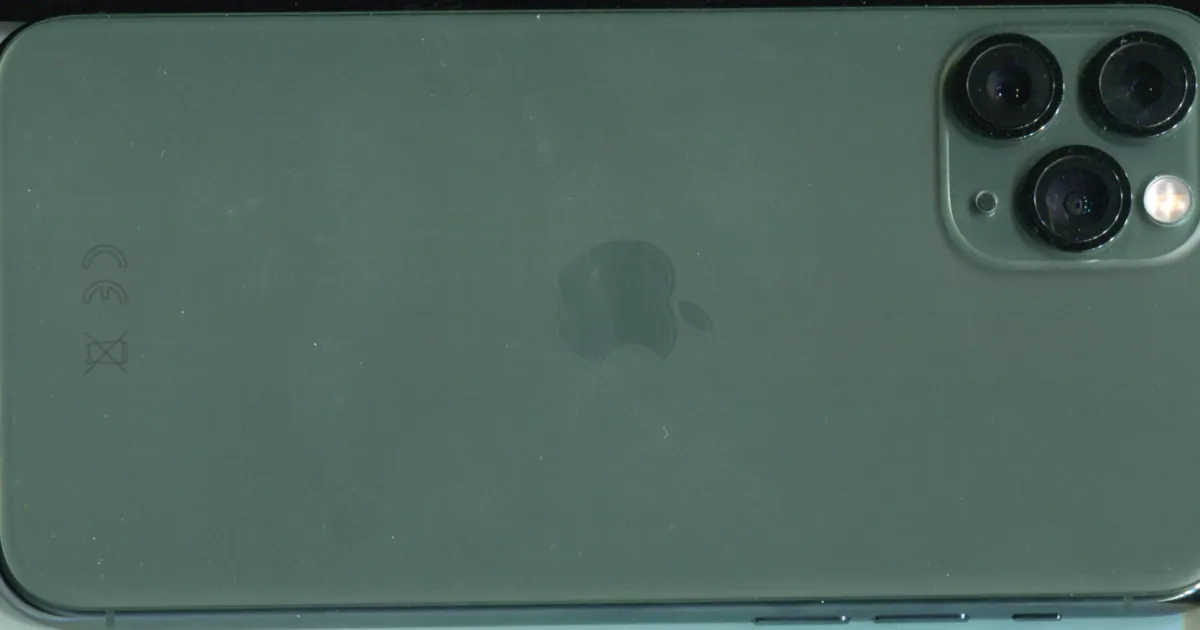
Apple has patched a CoreGraphics zero-day, CVE-2026-86950, that it says may have been used in an "extremely sophisticated attack" on specific people, and the fix is for anyone who hasn't moved to iOS 27. If your iPhone or iPad is still on iOS 26, install iOS 26.7.1; if your Mac runs macOS Tahoe or Sequoia, install 26.7.1 or 15.8.1. Here is who needs which update, where iOS 27 stands, and how to check what you're running.
Key takeaways
- Confirmed fix, released September 28, 2026: iOS 26.7.1, iPadOS 26.7.1, macOS Tahoe 26.7.1 and macOS Sequoia 15.8.1 each fix this one flaw, which Meta Product Security reported.
- Apple ties the attacks to iOS before iOS 27. It says it is aware of a report that the bug "may have been exploited" against targeted individuals, and has named no victims, attacker or delivery method.
- iOS 27 is not on the list. Apple lists the flaw only for the iOS 26, Tahoe and Sequoia updates, and SecurityWeek reads that as iOS 27 and macOS Golden Gate 27 not appearing to be affected. Apple hasn't said so in those words.
- Older iPads and Intel Macs can't take the newer system, so for them 26.7.1 or 15.8.1 is the fix.
- US federal agencies have until October 2 to patch, after CISA added the flaw to its exploited list on September 29.
What the CoreGraphics zero-day is
CoreGraphics is the part of Apple's systems that draws 2D graphics and renders PDFs. Apple's iOS 26.7.1 security notes describe CVE-2026-86950 as an out-of-bounds write, a bug where software writes data past the memory it was given, and say that processing a maliciously crafted file "may lead to arbitrary code execution." Apple fixed it with "improved bounds checking" and credits Meta Product Security with the report.
The same entry appears in the notes for macOS Tahoe 26.7.1 and macOS Sequoia 15.8.1. Each update fixes only this flaw. Notably, the Mac notes repeat the same sentence about attacks "on versions of iOS before iOS 27," so the report Apple cites is about iOS, and Apple mentions no attacks on Macs.
Apple shares little else. SecurityWeek points out that Apple hasn't said who was targeted or how the file arrived. On September 30, the security firm Calif published its own analysis of the bug, tracing it to how CoreGraphics handles fonts embedded in PDFs. Its proof of concept triggers the memory write but, by Calif's own account, does not achieve code execution. Neither Apple nor Meta has confirmed that this is how the real attack worked.
Who needs iOS 26.7.1 and the Mac updates
Apple's list of security releases shows two update tracks shipping on the same day. Which one fixes this flaw depends on the system you run:
| You're on | Install | Notes |
|---|---|---|
| iOS or iPadOS 26 | 26.7.1 | iPhone 11 and later, plus the iPads below |
| iOS or iPadOS 27 | 27.0.1 (latest) | Apple lists no CVE fixes in it |
| macOS Tahoe 26 | Tahoe 26.7.1 | Includes Intel Macs that can't run macOS 27 |
| macOS Sequoia 15 | Sequoia 15.8.1 | |
| macOS Golden Gate 27 | 27.0.1 (latest) | Apple lists no CVE fixes in it |
The iPad list matters most. iPadOS 26.7.1 reaches the iPad Pro 12.9-inch (3rd generation), iPad Pro 11-inch (1st generation), iPad Air (3rd generation), iPad (8th generation) and iPad mini (5th generation). Comparing the device lists, none of those five can run iPadOS 27, so 26.7.1 is their only fix. Every iPhone that gets iOS 26.7.1, from the iPhone 11 up, can also run iOS 27.
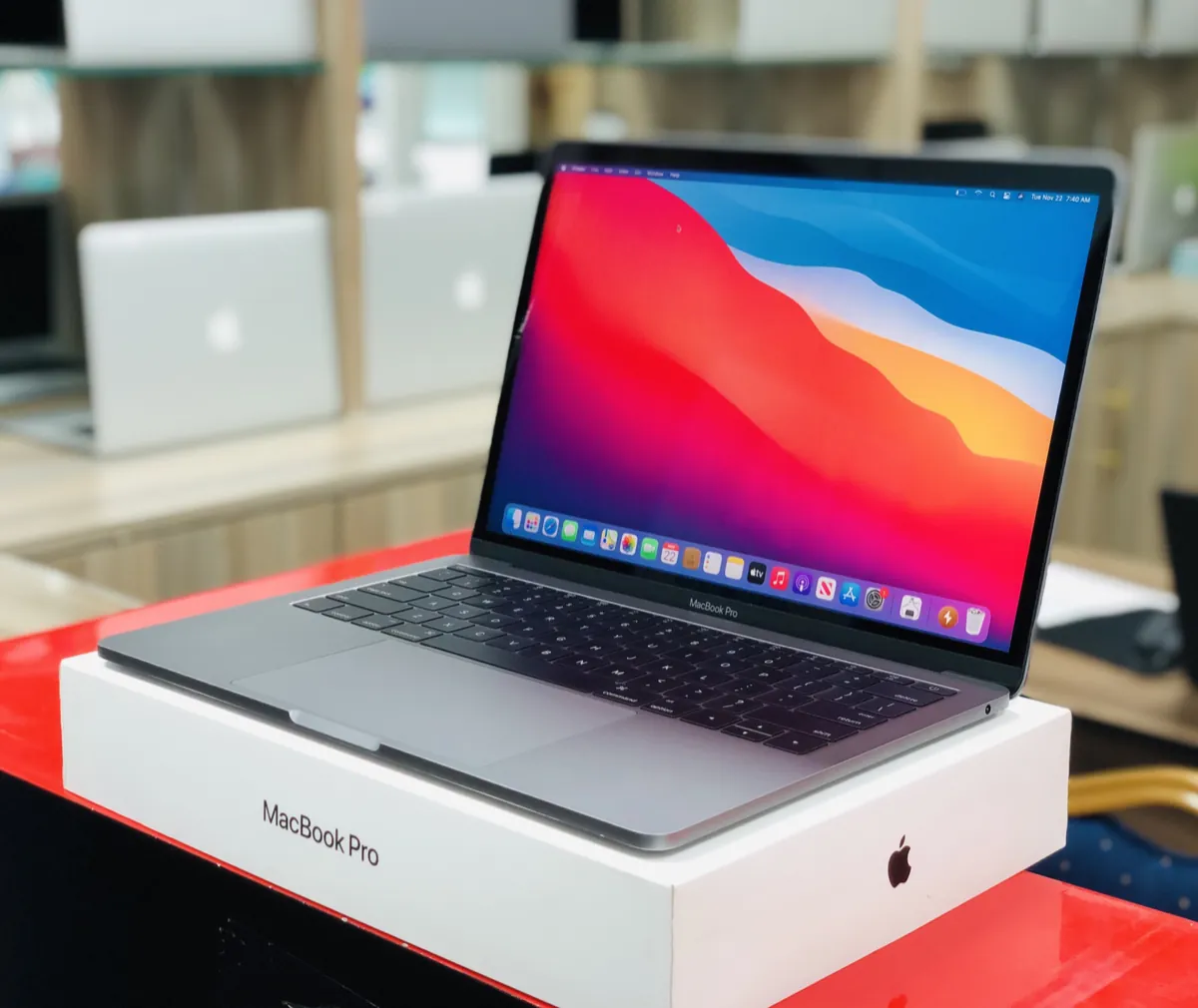
On the Mac side, Apple's notes for macOS Golden Gate 27 list only Apple silicon models, from the 2020 MacBook Air and MacBook Pro onward. An Intel Mac like the one above stays on Tahoe or Sequoia, which is why those two branches got the fix. Apple's September 28 releases include nothing for older versions such as macOS Sonoma.
Where iOS 27 stands
Apple's own wording is the clue: the report concerns "versions of iOS before iOS 27." The iOS 27 security notes don't mention CVE-2026-86950, and Apple says iOS 27.0.1, the update that also fixed the iPhone 18 Pro's Face ID restarts, has "no published CVE entries." SecurityWeek's reading is that iOS 27 and macOS Golden Gate 27 "do not appear to be affected."
That is an inference from Apple's notes, not a statement from Apple. The safe move on iOS 27 is the same as always: be on the latest release, iOS 27.0.1 as of October 1.
How to check your version and update
On an iPhone or iPad, go to Settings, then General, then Software Update. Apple's update guide says that screen shows the version you have installed, and on iOS 26 it can list both the iOS 26 update and an upgrade to iOS 27. Either one gets you off the vulnerable build. Pick 26.7.1 if you want to stay on iOS 26 for now.
On a Mac, open the Apple menu, choose System Settings, click General, then Software Update, as Apple's Mac update guide describes. About This Mac in the Apple menu shows your current version.
What happens next
CISA added CVE-2026-86950 to its Known Exploited Vulnerabilities catalog on September 29 and set an October 2 deadline for US federal civilian agencies. That deadline is a useful marker for companies managing fleets of iPhones and Macs too.
Calif's code doesn't run commands, but a public proof of concept shows others where the bug is, which can make follow-on attacks easier to build. If you manage devices for a company, this is a patch-this-week job, much like the Cisco SD-WAN zero-day on the network side.
Bottom line
If you're on iOS 27, update to 27.0.1 and you're done. If you stayed on iOS 26, or you own one of the older iPads that can't move up, install iOS or iPadOS 26.7.1 today. Mac owners on Tahoe or Sequoia should install 26.7.1 or 15.8.1. Apple says the known attacks were narrow and aimed at specific people, but closing the CoreGraphics zero-day costs you one restart.
FAQ
Is iOS 27 affected by CVE-2026-86950?
Apple links the attacks to versions before iOS 27 and lists the fix only for iOS 26 and the Tahoe and Sequoia Macs. Its iOS 27 and 27.0.1 notes don't mention the CVE. SecurityWeek reads this as iOS 27 not appearing to be affected; Apple hasn't stated it directly.
Which iPhones get iOS 26.7.1?
The iPhone 11 and every later model, per Apple's notes. All of them can also run iOS 27, so on an iPhone you can choose either path.
Was my iPhone hacked?
Apple describes the attacks as "extremely sophisticated" and aimed at "specific targeted individuals," which suggests a small number of chosen targets rather than mass attacks. It hasn't published signs of compromise for this flaw. Updating closes the hole either way.