iPhone 18 Pro Face ID bug: iOS 27.0.1 fix due next week
iPhone 18 Pro Face ID failing, then the phone freezes and restarts? Apple says a software fix is due early next week. What breaks and what to do until then.
Source-based. Written from the documents, reporting and reviews linked in the text. Nothing here was tested hands-on by The Ruling Desk. How we work
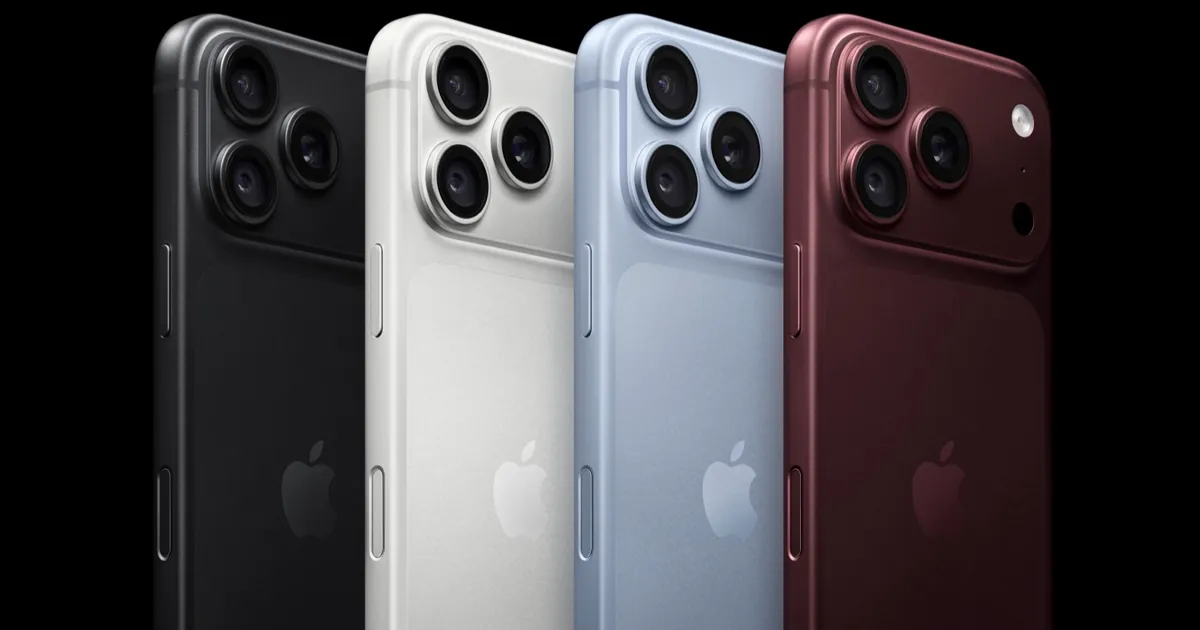
If a failed iPhone 18 Pro Face ID scan inside a locked app makes your phone freeze and restart, you've hit a known software bug, and Apple says the fix is due early next week. As of September 24, 2026, that update isn't out: Apple gave a window, not a date or a version number, and iOS 27.0.1, which Apple is testing, is the likely carrier. Apple Watch owners are one step ahead, because watchOS 27.0.1 already shipped with a fix for a restart bug on the new watches.
Key takeaways
- On some iPhone 18 Pro and iPhone 18 Pro Max units, a failed Face ID check inside a protected app (the Passwords app, a locked app, a private Safari tab) freezes the screen for a few seconds, then the phone restarts.
- Apple told 9to5Mac that a software update to fix it is in the works and should arrive early next week, meaning the week of September 28. It hadn't shipped as of September 24.
- Apple hasn't named the version. MacRumors says its logs show Apple testing iOS 27.0.1, which is expected to carry the fix.
- Because the fix is software, 9to5Mac says a replacement phone isn't necessary. Apple hasn't published a workaround.
- watchOS 27.0.1, out since September 23, fixes unexpected restarts on the Apple Watch Series 12 and Apple Watch Ultra 4.
What's wrong with iPhone 18 Pro Face ID
The problem surfaced within days of the phones reaching buyers. On September 21, 9to5Mac's Benjamin Mayo described the bug and the site reproduced it on an iPhone 18 Pro: open an app that asks for Face ID, cover your face so the scan fails, then tap "Try Face ID Again". On affected phones, the screen stops responding to touch for several seconds, and then the system panics and reboots to the Lock Screen.
Three details matter if you're trying to tell whether you have it:
- It happens inside apps, not at the Lock Screen. 9to5Mac found it triggers when Face ID guards something in an app, such as the Passwords app or private tabs in Safari, and not when you unlock the phone itself.
- Both Pro models are affected. Reports cover the iPhone 18 Pro and the iPhone 18 Pro Max. AppleInsider describes it as hitting a small number of owners, and one Reddit user it cites saw the crash when opening Wallet.
- Not every phone has it. 9to5Mac says the scope is unclear because the bug doesn't seem to affect everyone.
MacRumors also collected two other Face ID complaints: a "Face ID is Not Available" message during setup, and phones unlocking even with "Require Attention for Face ID" turned on. Apple's confirmation covers the freeze-and-restart bug; it hasn't said whether the same update addresses those two. So not every report of iPhone 18 Pro Face ID not working is the restart bug.
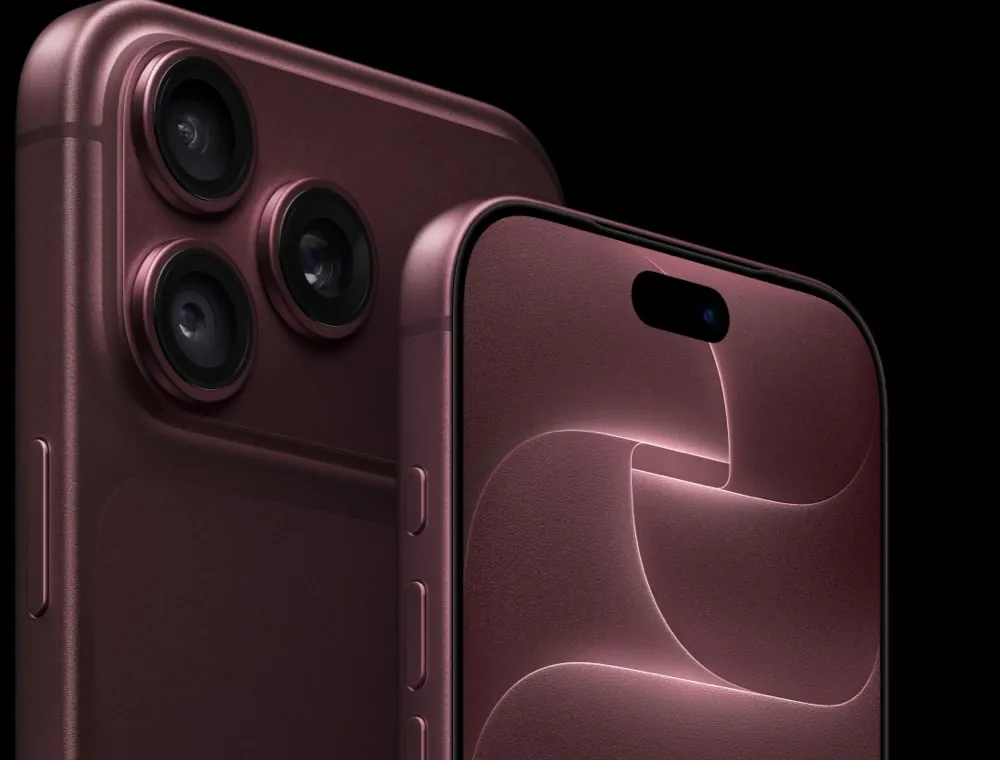
Why now? On the iPhone 18 Pro, Apple moved Face ID's infrared camera under the top-left corner of the display to shrink the Dynamic Island, MacRumors notes. Nobody outside Apple knows whether that hardware change is behind the bug, and Apple hasn't said. Pointing at it is speculation.
When the iOS 27.0.1 fix lands
Apple confirmed to 9to5Mac on September 23 that a software update to address the problem is in the works and should be available early next week. MacRumors reports that iOS 27.0.1 is likely to be that update, and a second MacRumors story says its logs show Apple testing iOS 27.0.1, the first bug-fix release since iOS 27 came out.
So the honest status, as of September 24: a fix is promised for the week of September 28, the version number is expected but not official, and there's no release date.
What to do until the update
Don't rush to swap your phone. 9to5Mac says some owners have already had their iPhones replaced, and one Pro Max owner quoted by Macworld got diagnostics pointing to a faulty unit after three restarts in under a day. But with a software fix confirmed, 9to5Mac says a replacement isn't necessary. Our reasoning: a new phone running the same iOS 27 build would likely hit the same bug.
Turn on automatic updates so the fix installs the night it arrives. Apple's support page puts it under Settings, General, Software Update, Automatic Updates.
If a Face ID prompt fails in an app, our inference from 9to5Mac's steps is that the crash follows the retry, so cancelling the prompt instead of tapping "Try Face ID Again" may avoid a restart. Nobody has confirmed that, and Apple has offered no workaround.
How to install iOS 27.0.1
Once it's out, the steps in Apple's guide to updating an iPhone are:
- Back up the phone with iCloud or a computer.
- Plug it into power and connect to Wi-Fi.
- Open Settings, tap General, then Software Update.
- Tap Download and Install and follow the prompts.
Apple notes that a VPN or proxy can stop the phone from reaching its update servers, so switch one off if the update doesn't appear.
watchOS 27.0.1 already fixes the Apple Watch restarts
The watch side is already done. Apple released watchOS 27.0.1 on September 23 for the Apple Watch Series 12 and Apple Watch Ultra 4 only. Its release notes, as published by 9to5Mac, say it fixes "an issue where Apple Watch may restart unexpectedly". 9to5Mac says some owners had been seeing random restarts several times a day.
To install it, Apple's watch update guide says to keep the watch at least 50 percent charged and on its charger, with your iPhone on Wi-Fi. Then open the Apple Watch app on the iPhone, tap General, then Software Update. You can also do it on the watch in Settings, General, Software Update.
Bottom line
If an iPhone 18 Pro Face ID scan fails in an app and the phone then freezes and restarts, it's a software bug Apple has acknowledged, and the fix is due early in the week of September 28 but not released as of September 24. Turn on automatic updates, skip the replacement unless Apple finds something else wrong, and install iOS 27.0.1 when it appears. If you're choosing a new iPhone instead, note that Apple's foldable uses Touch ID in the side button instead of Face ID, as our iPhone Duo price and specs overview explains. More iOS coverage lives in our software section.
FAQ
Do I need to replace my iPhone 18 Pro?
Probably not. Apple has confirmed a software update for the freeze-and-restart bug, and 9to5Mac says a replacement isn't necessary with that fix on the way. If the phone keeps restarting after iOS 27.0.1, that's the time to contact Apple.
When will iOS 27.0.1 be released?
Apple told 9to5Mac the fix should be available early next week, which is the week of September 28, 2026. Apple hasn't given an exact date or confirmed the version number; iOS 27.0.1 is the expected release based on MacRumors' reporting.
Is the iPhone 18 Pro Max affected too?
Yes. Reports cover both the iPhone 18 Pro and the iPhone 18 Pro Max. We found no published numbers showing that one model is hit more often than the other.
Does the bug happen when unlocking the phone?
Based on 9to5Mac's testing, no. The crash follows a failed Face ID check inside an app, such as the Passwords app or a private Safari tab, not a Lock Screen unlock.