Witcher 3 Remastered save transfer: PS5, Xbox, PC, Switch 2
Witcher 3 Remastered save transfer, per CD Projekt Red: old saves load, skills reset. Steps for PS5, Xbox, PC and Switch 2, plus what the docs don't say.
Source-based. Written from the documents, reporting and reviews linked in the text. Nothing here was tested hands-on by The Ruling Desk. How we work
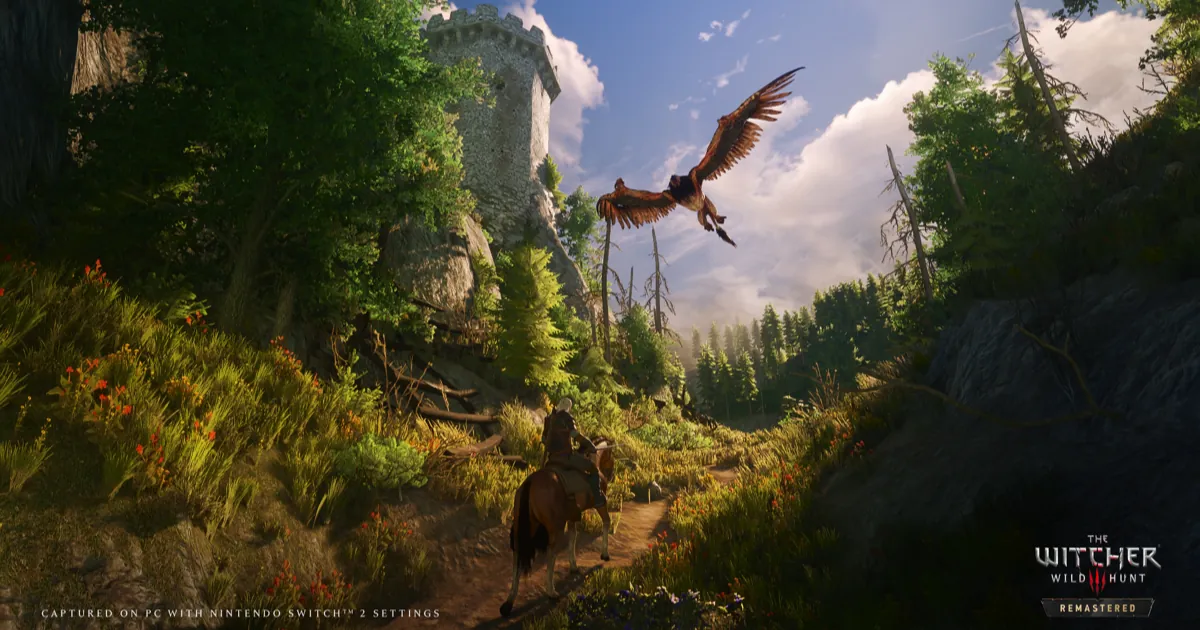
Your old save works in The Witcher 3 Remastered, but your skills don't come with it. That is confirmed by CD Projekt Red's support documentation, which says existing saves are compatible and that the new skill system resets your skills. For a Witcher 3 Remastered save transfer to another platform, the route is the game's own cross progression, tied to a free CD PROJEKT RED account. This guide covers each platform, what carries over and what resets, how Switch 2 differs, and the questions the official pages leave open, as of October 3, 2026.
Key takeaways
- Confirmed (official support documentation): CD Projekt Red's Remastered FAQ says your existing saves are compatible with Remastered, your skills are reset, and the achievements you already earned carry over.
- On the same platform there is nothing to transfer: the upgrade replaces the game and your saves load. Moving between platforms goes through cross progression, which uploads your latest save of each type to the cloud.
- Switch 2 is the exception. Remastered there is a separate version that Switch owners claim for free, and CD Projekt Red's pages don't explain how a Switch 1 save reaches it beyond cross progression.
- CD Projekt Red says a cross-progression save needs the same game content and the same set of mods on both platforms, or it may not load.
- The docs say nothing about how long an upload takes to appear, and nothing about moving a Remastered save back to PS4, Xbox One or the original Switch.
Witcher 3 Remastered save transfer: what carries over and what resets
Every row below comes from CD Projekt Red's own pages. Where they say nothing, the table says so.
| Your data | In Remastered | Where CD Projekt Red says it |
|---|---|---|
| Story progress (your save files) | Carries over: existing saves are compatible | Remastered FAQ |
| Skills | Reset, because the skill system was overhauled | Remastered FAQ and patch notes |
| Achievements and trophies already earned | Carry over (base game, Hearts of Stone, Blood and Wine) | Remastered FAQ |
| Expansions | Hearts of Stone and Blood and Wine are included with the update | Remastered FAQ |
| Mods | Must match on both platforms for a save to move; console trophies and achievements are off on modded saves | Mod support page |
| Saves in the cloud | Only the latest save of every save type | Cross progression guide |
| Your license | The free upgrade stays "within the same platform ecosystem" | Patch notes |
| Upload time, save limits, Switch 1 local saves | Not stated | Nowhere in the pages we read |
The skill reset is the change you will feel first. The patch notes say skills now sit in a tree where each skill has three ranks and new skills unlock through prerequisites, and that "your skill points have been reset." Plan on rebuilding Geralt the first time you load one of your old saves. Our Witcher 3 Remastered review roundup explains what critics thought of the new tree.
Step 1: Load your old save on the same platform
If you stay on the platform you already play on, there is no transfer to do. On PC (GOG, Steam or Epic Games Store), PS5 and Xbox Series X|S, Remastered arrives as an update to the copy you own, as our guide to the free upgrade explains, and CD Projekt Red's FAQ says existing saves are compatible.
- Install the Remastered update on the platform you already use.
- Open Load Game and pick your latest save.
- Spend your reset skill points in the new tree before you head back out.
PC players have one extra option. The FAQ says anyone whose PC can't meet the new requirements can revert to an earlier version of the game, following CD Projekt Red's support steps. The pages we read don't say whether a save made in Remastered loads in an older version, so back up your save folder before you switch versions.
Step 2: Turn on Witcher 3 cross progression
To move a save between PC, PS5 and Xbox Series X|S, you use cross progression. CD Projekt Red's cross progression guide lays it out like this:
- Update the game to its latest patch. The version number shows on the main menu.
- Open Load Game and press the Cross Progression button shown in the bottom right corner.
- Follow the on-screen steps to connect the game to your CD PROJEKT RED account.
- Once connected, cross progression is on by default. You can switch it on or off in Options > Gameplay > Cross Progression.
The guide says your latest saves then upload to the cloud automatically. One limit matters: it keeps the latest save "for every save type," not your whole save list. If there is a specific moment you want to carry across, make a fresh save right before you move.
Step 3: Upload a save and load it on the other platform
- Make a new save. CD Projekt Red says it uploads by itself, and a cloud icon appears next to its name when it has.
- Start The Witcher 3 on the other platform and open My Rewards.
- Connect the same CD PROJEKT RED account you used in Step 2.
- Open Load Game. The uploaded saves appear there.
You still need to own the game on the second platform. The patch notes describe the free upgrade as working within the same platform ecosystem, so a PS5 copy doesn't give you the Xbox or PC version, and cross progression only moves your save.
CD Projekt Red's documentation gives no time for how long an upload takes to show up elsewhere. The cloud icon is the only signal it describes, so wait for it before you close the game on the first platform.
Step 4: Bring a PS4, Xbox One or Switch 1 save forward
Remastered doesn't come to the older consoles. CD Projekt Red's page on previous-generation consoles says the game and both expansions "will remain available and will continue to work" on PS4, Xbox One and Nintendo Switch "in the current version," while the upcoming expansion and updates won't come to them.
For PS4 players, CD Projekt Red keeps a PS4 to PS5 transfer page that uses the same cross progression flow: update the PS4 copy to at least patch 4.00, connect it to your CD PROJEKT RED account through My Rewards, make a save that shows the cloud icon, then connect the same account on the PS5 version and load it. A separate page on PS4 to PS5 cross-save describes PlayStation Plus cloud storage, a console-to-console transfer or a USB drive, but that is for playing the PS4 version on a PS5 through backward compatibility, not for Remastered.
One gap to know about: the PS4 page predates Remastered, and CD Projekt Red doesn't say in so many words that a save made on PS4 or Xbox One, which stay on the older version, loads in Remastered. The FAQ's general line, that existing saves are compatible, is the closest it comes.
How the Switch 2 save transfer differs
Switch 2 works differently from the other platforms in three ways, according to CD Projekt Red:
- It's a separate version, not an update. The Switch 2 press release says owners of the original Switch game "can claim Remastered on Nintendo Switch 2 at no extra cost": digital owners through the eShop, and physical owners from launch.
- The free claim has a regional limit. The FAQ says the free Switch 2 upgrade is not available in Russia and Belarus.
- The save path isn't spelled out. Neither the press release nor the FAQ explains how a Switch 1 save reaches the Switch 2 version. The Switch support section has its own cross progression guide with the same steps as above, and it doesn't mention Switch 2.
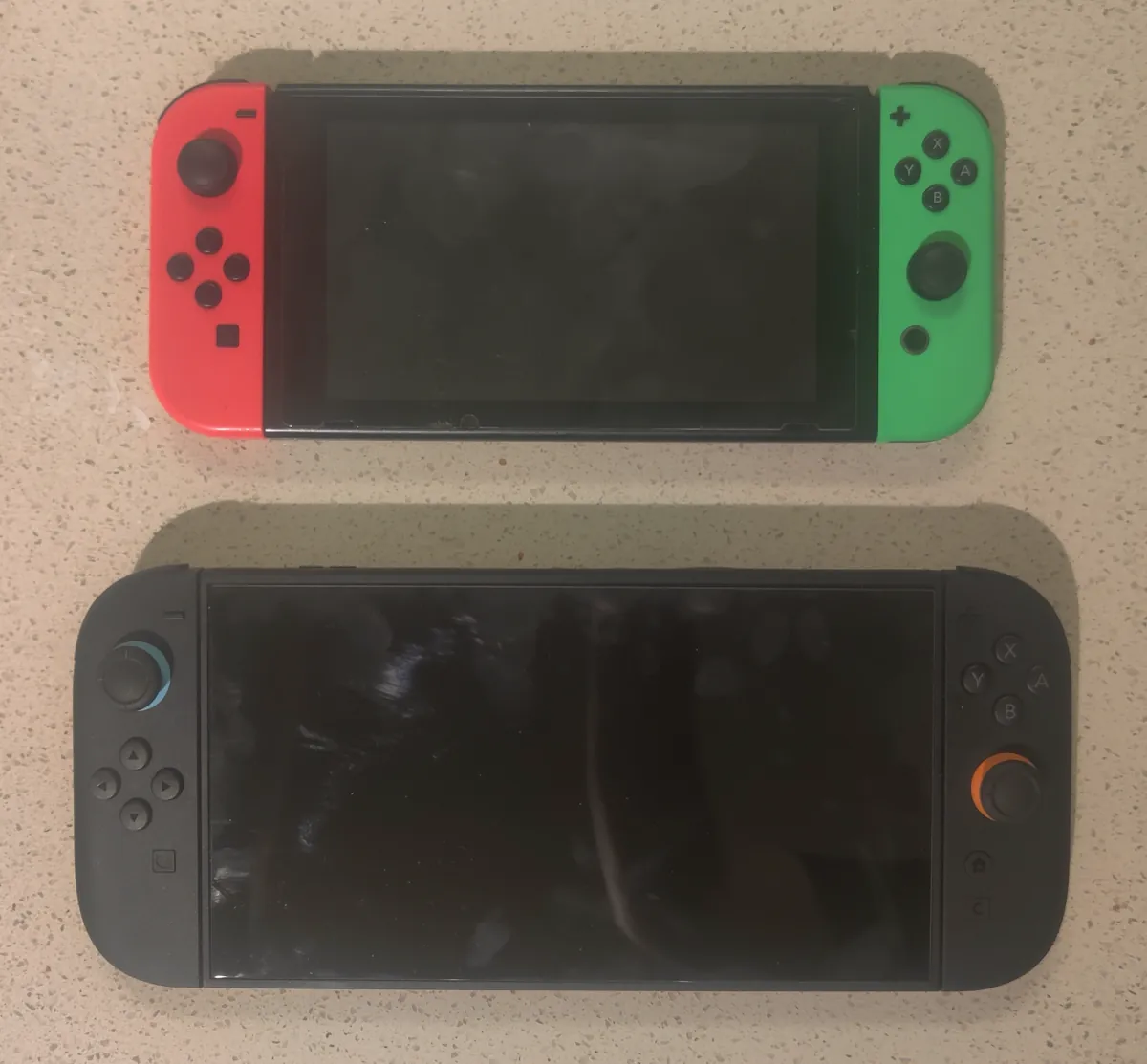
So the documented way to carry a Switch 1 playthrough forward is cross progression: connect your CD PROJEKT RED account on the Switch 1 copy and make a save that shows the cloud icon, then connect the same account in the Switch 2 version and look in Load Game. That last part is our inference. CD Projekt Red's mod support page lists Switch 2 among the platforms that sign in with a CD PROJEKT RED account and talks about moving saves "to another platform," but no page we read walks through Switch 1 to Switch 2 step by step.
The Switch copy also changed how it syncs once before. That same Switch cross progression page says players who used the old GOG and Steam cloud integration on Switch must use the cross progression feature introduced in patch 4.04. Players in a Steam Community thread that started in December 2022 reported that the old Steam cloud option on Switch failed to sign in, so if you find that menu, use cross progression instead.
If you're moving your whole console anyway, our Switch 2 system transfer guide covers Nintendo's own transfer tool. CD Projekt Red hasn't said whether the Switch 2 version of The Witcher 3 reads save data moved that way, so don't count on it as your only copy.
Troubleshooting
- The save won't load on the other platform. CD Projekt Red's cross progression troubleshooting page says both copies need the same game content: a base-game save loads in the Complete Edition, but a Complete Edition save won't load without the expansions. With Remastered, the FAQ says both expansions come with the update, which should close that gap on current platforms. That is our reading, not a promise from the studio.
- You play with mods. The mod support page says you need "the same set of mods enabled on both platforms," and if a mod is missing or incompatible on the other one, "your save may not load correctly." Consoles skip mods they don't support, so match your list to what the target platform can run.
- Your trophies stopped unlocking. The same page says trophies and achievements are disabled on modded save files on consoles.
- Your older mods broke after the update. CD Projekt Red says mods with XML, script or w3strings files become incompatible with new patches until their authors update them with REDkit.
- The save isn't there yet. Check for the cloud icon on the source platform, then confirm both platforms use the same CD PROJEKT RED account. The docs give no expected wait time.
- The game runs badly on an old save. That's a separate problem; see our Witcher 3 Remastered PS5 patch coverage for what's been reported and fixed so far.
Bottom line
The Witcher 3 Remastered save transfer is simple on the platform you already own: update, load your save and rebuild your skills, because CD Projekt Red confirms saves carry over and skills reset. Between PC, PS5 and Xbox, use cross progression with one CD PROJEKT RED account, keep your content and mods identical, and wait for the cloud icon. Switch 2 is the one case where the official pages stop short, so make a cloud save on your Switch 1 before you rely on anything else. For everything else we've covered on the remaster, see our Witcher 3 hub.
FAQ
Do old Witcher 3 saves work in Remastered?
Yes. CD Projekt Red's Remastered FAQ says existing saves are compatible with the Remastered version. Because the skill system was overhauled, your skills are reset, so you spend your points again in the new tree.
Do I lose my achievements or trophies?
No. The FAQ says achievements you already earned in the base game, Hearts of Stone and Blood and Wine carry over to Remastered. On consoles, CD Projekt Red says trophies and achievements are disabled on modded saves.
Can I transfer my Witcher 3 save from Switch to Switch 2?
CD Projekt Red confirms you can claim the Switch 2 version free if you own the Switch game, except in Russia and Belarus, but it doesn't spell out the save step. Its cross progression feature, which links saves to a CD PROJEKT RED account, is the documented way to move a save between platforms.
Does Witcher 3 cross progression keep all my saves?
No. CD Projekt Red's guide says cross progression provides the latest save for every save type. Make a fresh save right before you switch platforms so the one you want is the one in the cloud.
Do I have to buy the game again on another platform?
To play there, yes. CD Projekt Red's patch notes say the free upgrade applies within the same platform ecosystem, so you need a copy on the second platform. Cross progression moves your save, not your license.