iPhone 18 Pro Max SOS on AT&T: update or get a replacement
Apple confirms an iPhone 18 Pro Max SOS bug on AT&T. iOS 27.0.1 and a carrier update help prevent it, but phones that already lost service need replacing.
Source-based. Written from the documents, reporting and reviews linked in the text. Nothing here was tested hands-on by The Ruling Desk. How we work
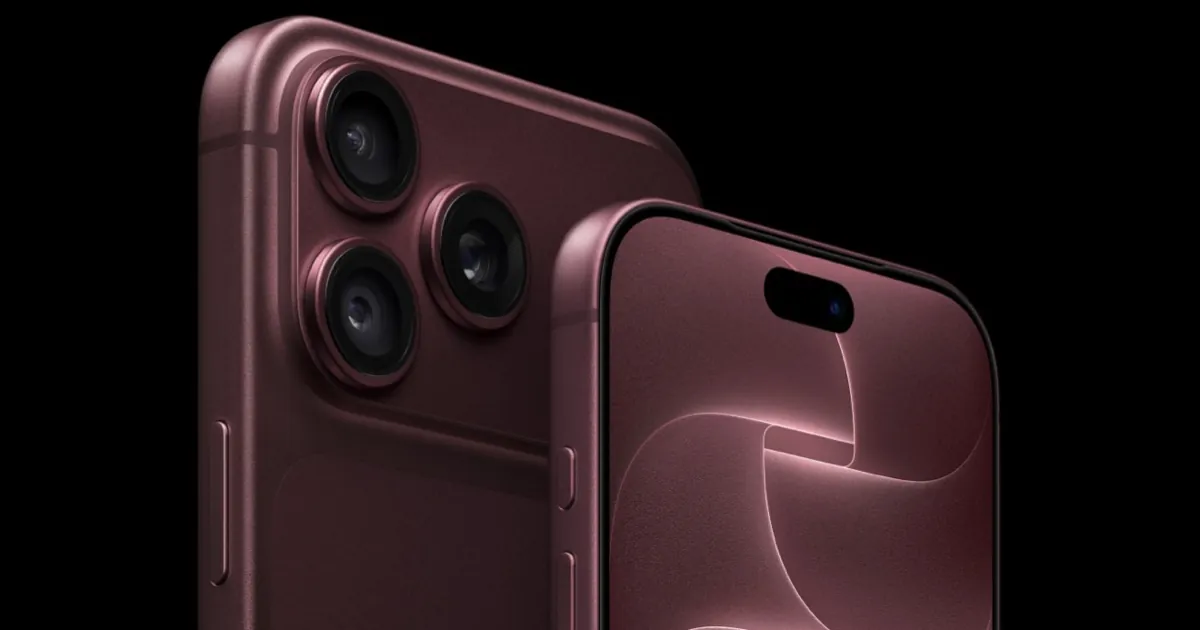
If your iPhone 18 Pro Max shows SOS on AT&T and never gets its bars back, Apple now says the phone has to be replaced. On October 2, 2026, Apple confirmed that a small number of iPhone 18 Pro Max owners on AT&T's network can lose cellular service entirely. A software update and a carrier settings update are meant to stop it from happening to more phones, but they can't bring back service on a phone that has already lost it.
Key takeaways
- Apple's statement covers the iPhone 18 Pro Max on AT&T only. Affected phones show SOS in the status bar, and calls, texts and cellular data stop working.
- If your phone still works: install iOS 27.0.1 and the AT&T carrier settings update Apple released on October 2. Apple says the two together are meant to help prevent the problem.
- If your phone has already lost service: Apple says software can't restore it, and the phone needs to be replaced through Apple or AT&T.
- Apple hasn't said what causes it. US Pro Max models use a Qualcomm modem, while other versions use Apple's own C2 modem, but Apple hasn't tied the bug to the modem.
What Apple and AT&T confirmed
Apple gave its statement to the press on October 2. In the version published by MacRumors, Apple says it has "identified an issue affecting a small number of iPhone 18 Pro Max users on the AT&T network that may cause a device to lose service and be unable to make calls." It "strongly" encourages every iPhone 18 Pro Max owner to update to iOS 27.0.1 and says it's also issuing a carrier settings update, adding that the two "together are meant to help prevent this issue from occurring."
The part that matters most for people already stuck came alongside the statement. Apple told MacRumors that affected phones can't have service reactivated with a software update and must be replaced entirely. 9to5Mac's report adds that Apple says the problem isn't hitting every iPhone 18 Pro Max on AT&T.
AT&T moved a day earlier. On October 1, MacRumors reported that AT&T was texting iPhone 18 Pro Max customers with an "action needed" message urging them to install the iOS 27.0.1 update right away.
How to tell if your iPhone 18 Pro Max has the AT&T SOS bug
The iPhone 18 Pro Max SOS reports follow a specific pattern. You likely have it if all of these are true:
- It's an iPhone 18 Pro Max on an AT&T line. Apple's statement names no other model and no other carrier.
- The status bar shows SOS (or no bars at all) where your phone used to have signal.
- Calls, texts and cellular data fail, the symptoms Apple and the reports describe.
- It doesn't come back. AppleInsider describes phones dropping off AT&T's network and, in some cases, never reconnecting.
SOS on its own isn't proof. It also appears in a dead zone or when there's a problem with your account. Apple's general guide to SOS and No Service suggests turning Airplane Mode on for at least 15 seconds and then off, restarting the phone, checking with your carrier, and installing any software and carrier settings updates. If you've done all that, moved somewhere with known AT&T coverage, and your Pro Max still shows SOS, that matches what Apple describes as a phone needing replacement. That last step is our reading of Apple's statement, not a diagnostic Apple has published.
What to do right now
If your phone still has service, update both pieces Apple named:
- Go to Settings, General, Software Update and install iOS 27.0.1.
- Then go to Settings, General, About. If a carrier settings update is waiting, follow the prompt to install it. Apple's carrier settings page says the version number shows next to Carrier on that same screen.
MacRumors says, citing Apple, that the AT&T update will download on its own over the next 14 days, but there's no reason to wait.
If your phone has already lost service, don't keep reinstalling updates. Apple's guidance, as reported by MacRumors, is to contact Apple Support or AT&T, or to visit an Apple Store or an AT&T store. AppleInsider says Apple Stores are the main route, and that some AT&T corporate stores may also have replacement phones in stock. Back up your iPhone over Wi-Fi first, so the new one can be set up from it. None of the reports we read mention a charge, so confirm the terms when you book.
Why iOS 27.0.1 can't revive a phone that lost service
iOS 27.0.1 came out on September 28. Apple's release notes list three fixes: Face ID restarts on the iPhone 18 Pro models, a color artifact in some 2x photos, and a touchscreen freeze. Cellular service isn't mentioned. We covered those fixes in our iPhone 18 Pro Face ID fix story.
That gap explains the confusion of the past few days. MacRumors reported on October 1 that thousands of owners had complained on Apple's Support Community and elsewhere, and that many said the update didn't fix their phones. Apple's later statement is consistent with those user reports: the update is preventive, and a phone that's already affected stays affected.
Apple hasn't said why software can't undo the iPhone 18 Pro Max SOS state. The fact that it's swapping whole phones suggests something on affected devices changes in a way an update can't reverse, but that's an inference, not an explanation Apple has given.
The modem question
According to MacRumors, Apple says the iPhone 18 Pro uses its C2 modem worldwide, and the iPhone 18 Pro Max uses it everywhere except the US. US Pro Max units use Qualcomm's Snapdragon X80 instead. 9to5Mac notes the Pro with Apple's C2 isn't affected.
That overlap is suggestive, since the bug sits on the one model and market with a Qualcomm modem. But Apple hasn't named a cause or linked the modem to it. Treat it as an open question.
Bottom line
If you have a US iPhone 18 Pro Max on AT&T that still works, install iOS 27.0.1 and the carrier settings update today; Apple says together they're meant to prevent the problem. If yours already shows SOS for good and Apple's basic steps don't help, Apple says it needs replacing, so contact Apple or AT&T rather than waiting for another update. Other iPhone models and other carriers aren't part of Apple's statement. Watch for Apple to explain the cause, and for more gadget news on our gadgets page.
FAQ
Does iOS 27.0.1 fix the iPhone 18 Pro Max SOS problem?
It helps prevent it, according to Apple, together with the AT&T carrier settings update released on October 2. It doesn't restore service on a phone that has already lost it. Apple's iOS 27.0.1 release notes don't mention cellular service at all.
Is the iPhone 18 Pro affected too?
Apple's statement names only the iPhone 18 Pro Max on AT&T. 9to5Mac reports that the iPhone 18 Pro, which uses Apple's C2 modem, isn't affected.
Are Verizon or T-Mobile iPhone 18 Pro Max models affected?
Apple's statement covers only AT&T's network. If your phone shows SOS on another carrier, start with Apple's general SOS steps and your carrier.
Where can I get my iPhone 18 Pro Max replaced?
Apple's guidance is to contact Apple Support or AT&T, or visit an Apple Store or AT&T store. AppleInsider says some AT&T corporate stores may have replacement phones in stock.